



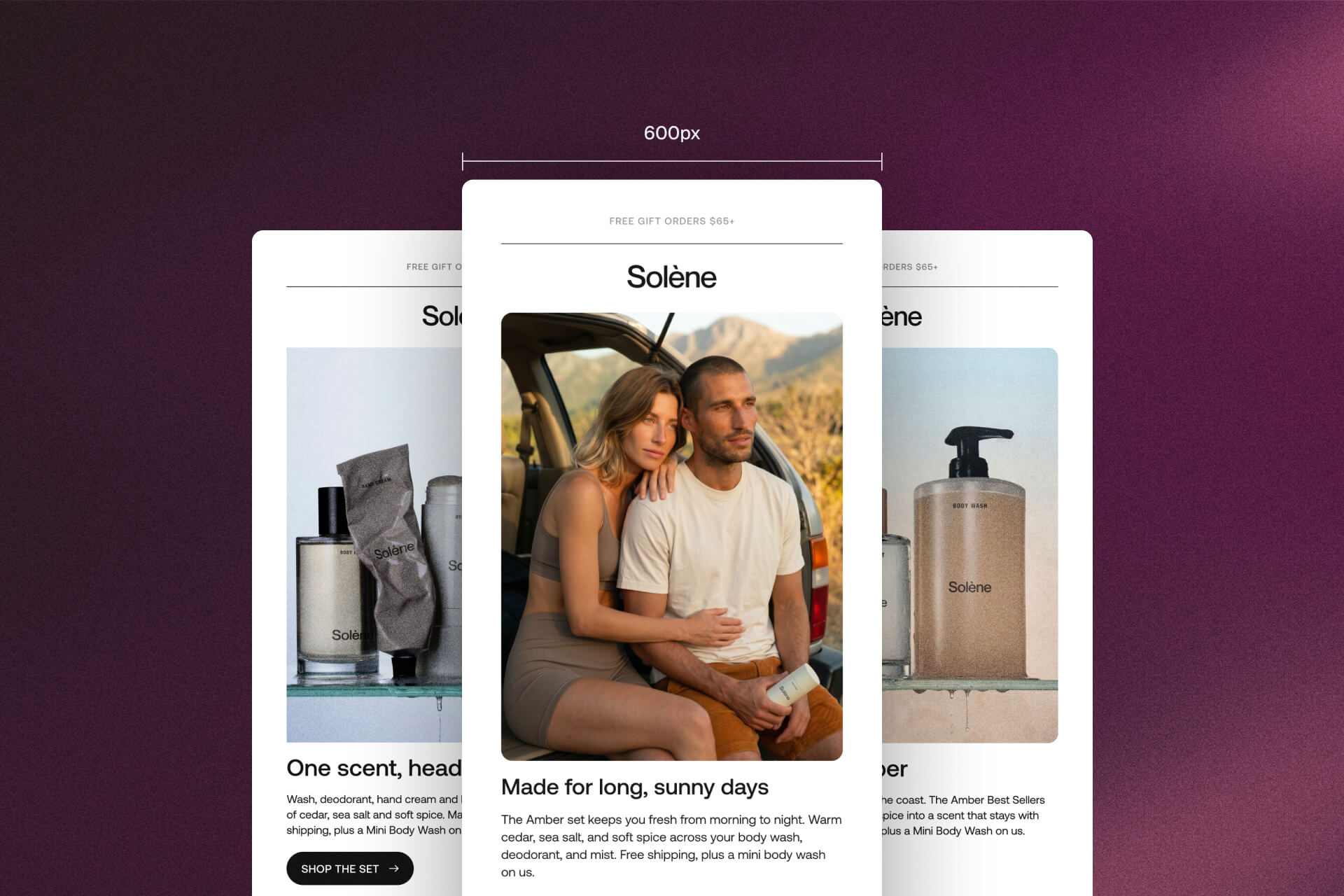
Short answer: 600 pixels wide. That's the default, and you really can't go wrong with 600.
I've seen emails at 580. I've seen 640, 680, and a few around 700. But look at the big players in email and they're all around 600. Klaviyo starts every new template at 600 pixels, and Mailchimp's classic templates are no wider than 600.
Why 600?
Honestly, I never asked. Everybody designs at 600, so I did too. So I looked it up.
It goes back to when Outlook was the main email app and most monitors were 1024 pixels wide. Your email showed up in a reading pane next to the inbox, and around 600 pixels was what fit without scrolling sideways. Screens got bigger, but 600 stuck. Now it's the default in most email tools.
Can you go wider? A little. Campaign Monitor says you can push to 640 and it still renders well in every email client. Past that, watch Outlook on Windows. It still renders email with Microsoft Word, and that's where wide layouts give you trouble.
How I set up the frame
First thing I do is create a frame and set the width to 600.
Sometimes I start free form, no auto layout, just so I can move things around and figure out how I want to lay out my content. Once I know the layout, I put it in auto layout. That makes it easier to duplicate sections and change alignments later.
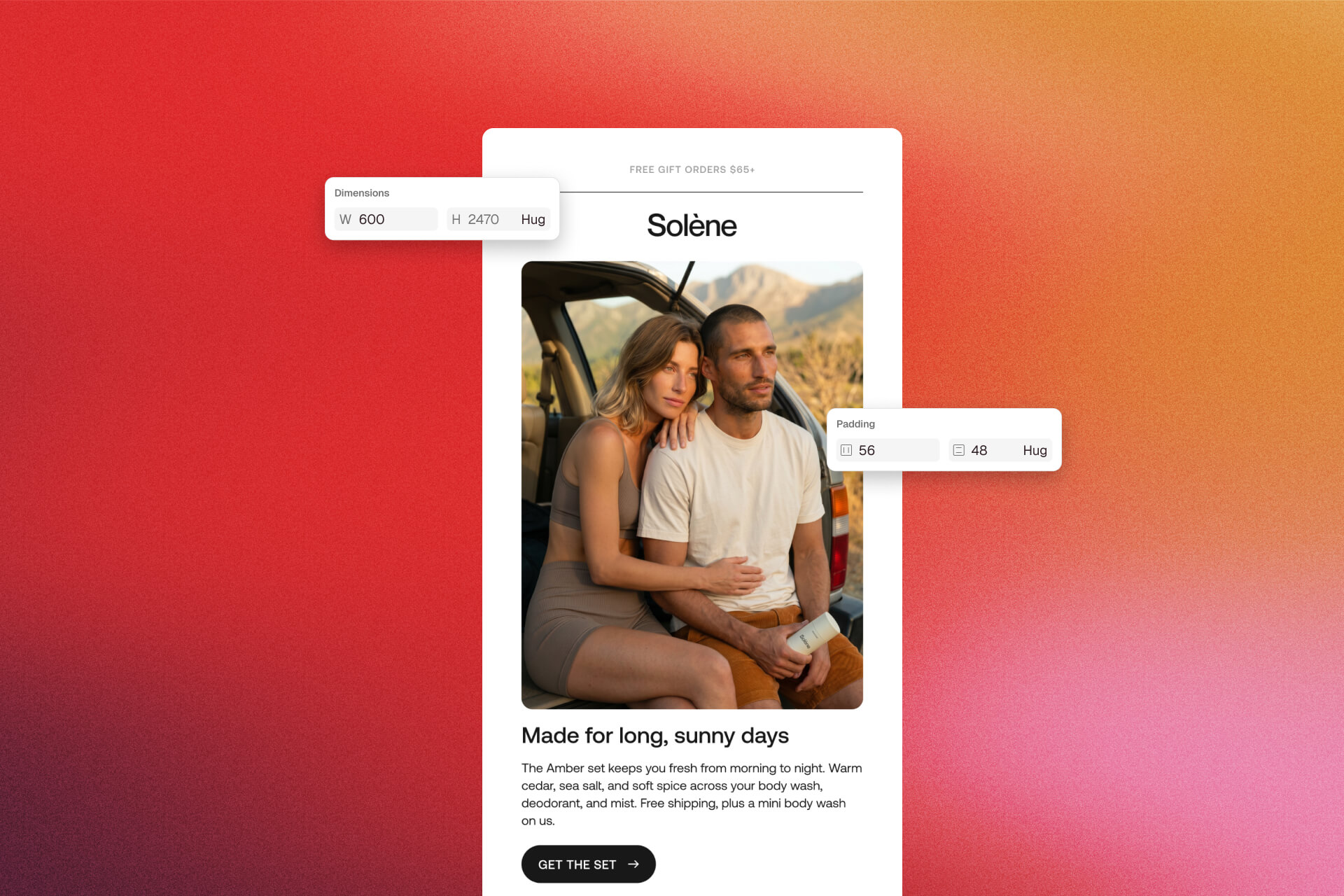
For the height, I don't set anything at the start. I grab the bottom of the frame and pull it down, just so I have room to work. When the design is done, I set the height to Hug so the frame hugs the content nicely, and I add some padding at the bottom to give it some space.
I set the side padding on the parent frame. It all depends on the design and the brand you're working with. It could be 32 pixels, or 50 or 64 if you want more space. On mobile I usually bring it down to 16.
If you export with Sendra, the email frame needs to be in auto layout by then. Free form is fine while you're figuring things out. Here's how I set up a frame for Sendra.
How long can an email be?
There's no limit on height. Campaign Monitor puts it simply: your email can be as long as it needs to be.
Gmail is a different story. Gmail clips any email whose code is over 102KB and hides the rest behind a "View entire message" link, your footer included. That limit counts the HTML, not your image files. So it's heavy code that gets you clipped, not big photos. Litmus suggests staying under 80KB where you can.
But the real limit is the person reading. If it's too long, people won't scroll to the end, right? Or they get bored. So keep it nice and short, so people don't lose interest.
Do you need a separate mobile design?
When I design for a client, I do make a separate mobile frame. It's there to show them how it looks on a phone. It also helps me while I'm editing: I can compare desktop and mobile side by side and see if everything flows nicely.
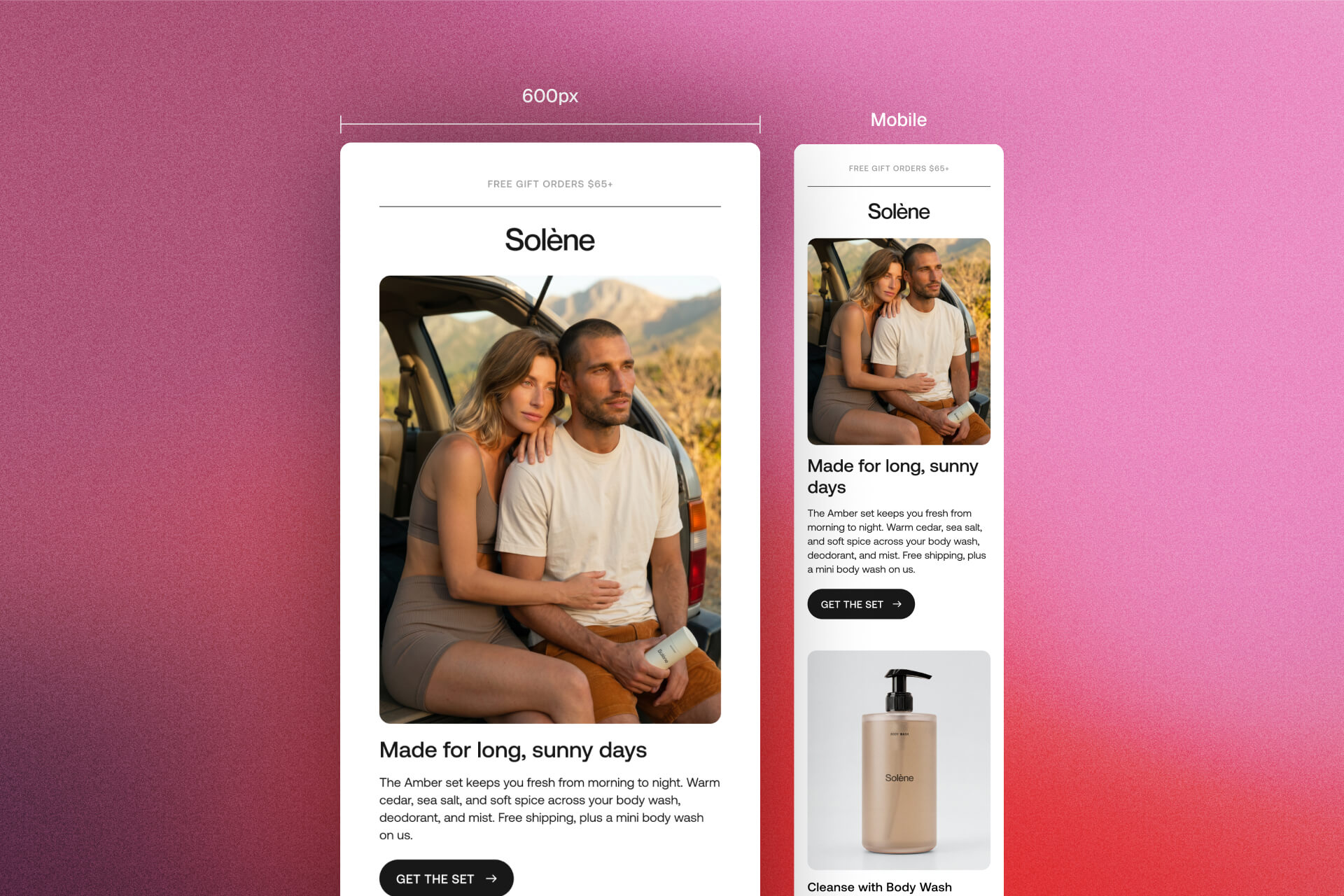
But I don't build it as a second design. I design it responsive. It's the same email, it just adapts. Columns stack, gaps get smaller, headlines get smaller, and the content stays the same. You can also hide an image on mobile or on desktop if you don't want it there.
Why not two designs? First of all, the email is lighter. With two designs you're putting both versions in one email, and that brings you closer to Gmail's clipping limit. So responsive is the way to go, in my opinion.
In Sendra you set this per element: stack columns or keep them side by side, change gaps and image widths, and show or hide things on mobile. More on mobile layout.
What size should you export images at?
I export images at 2x, so they stay crisp on phones and high-resolution screens. Litmus says the same: make the image at least double the size it shows at.
The catch is file size. A 2x image is heavier, so I compress everything and keep images as low in KB as I can. Light images load faster, and they don't eat your reader's data when they open your email on their phone.
GIFs are the heavy ones. Litmus tries to keep theirs under 1MB, for the same reason: load time and data.
One thing about Outlook on Windows: it shows an image at its real size unless the HTML tells it how wide to display it. So a 2x image needs its display width in the code, or it blows up your layout. Sendra exports your images at 2x and writes that width in for you. It leaves GIFs at their original size so the animation doesn't break.
The sizing mistakes I see most
Emails that are too heavy. Lots of images, big GIFs, and the email takes forever to load, especially on a phone.
Emails that are too wide.
And emails designed like a desktop website. Image on the left, text on the right, you know, everything laid out for a big screen. An email isn't a website. A lot of people read it on their phone, so design it for that too.
So, what size?
600 pixels wide, with the height set to hug. Export images at 2x and keep them light. Design it responsive, not twice.
You really can't go wrong with 600.


