Design emails in Figma. Ship the HTML.

Sendra turns your Figma designs into clean, responsive, email-safe HTML. No hand-coding. No rebuilding. No fighting Outlook.
Add to Figma
Add to Figma
Built for Gmail, Outlook, Apple Mail, Yahoo, AOL — and every major inbox
Abstract gradient background blending dark blue, pink, cream, and reddish-brown colors.
Sendra app interface with email preview
Sendra app interface with frame item type, mobile stacking options, visibility settings, and export button.
Works with the inboxes and platforms you already use
Gmail logoMicrosoft Outlook app iconApple Mail app iconYahoo company logoAOL logo Klaviyo logoIntuit Mailchimp logoPostmark logoTwilio SendGrid logoBrevo logo
Everything between 
Figma and send
Responsive, on-brand, and built for every inbox, without touching code.
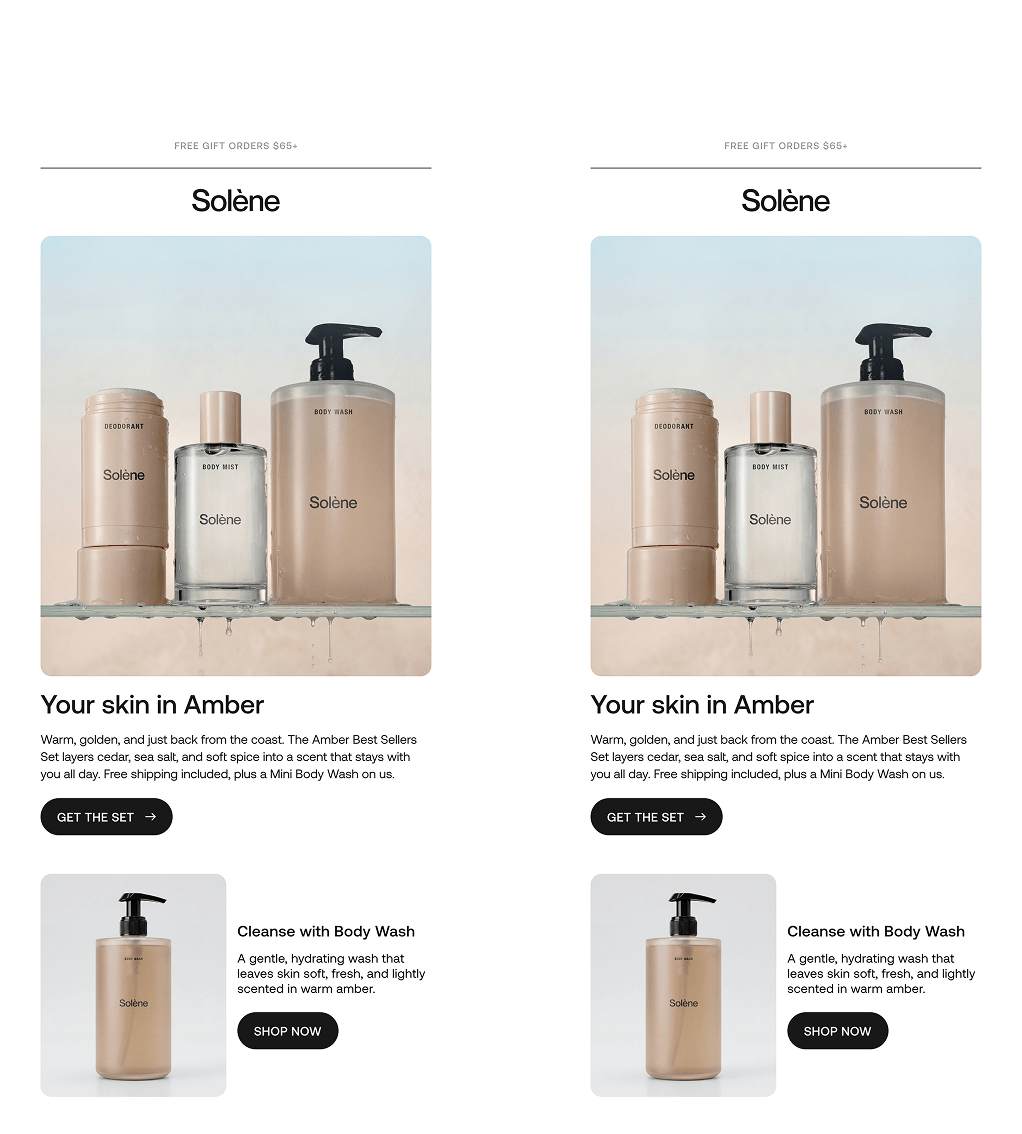
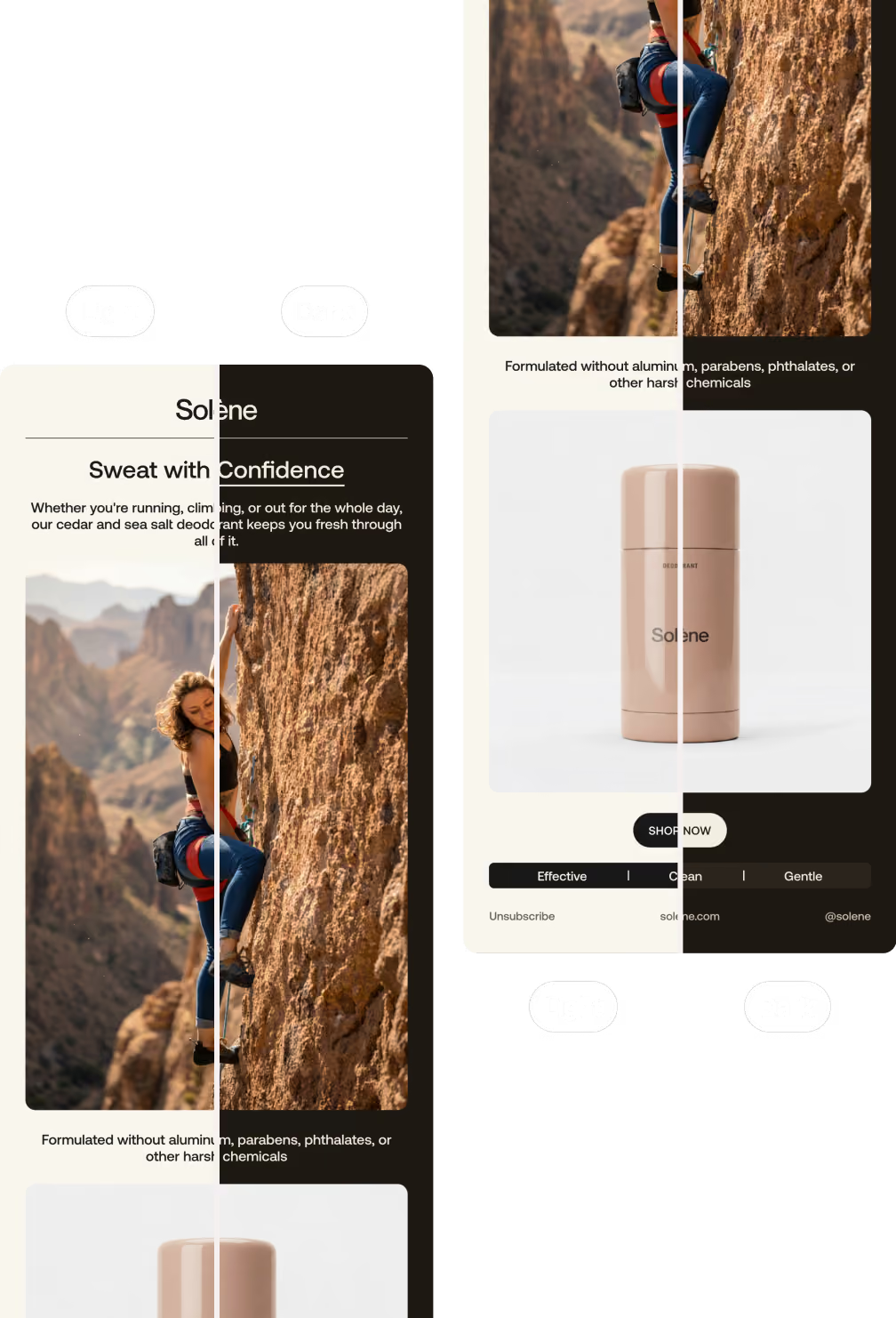
Three Solène skincare products including deodorant, body mist, and body wash displayed on glass with amber background.
Survives Outlook
Gmail strips styles. Outlook still renders like it's 2007. Sendra handles all of it for you, so your design looks great in every major inbox, even the old ones.
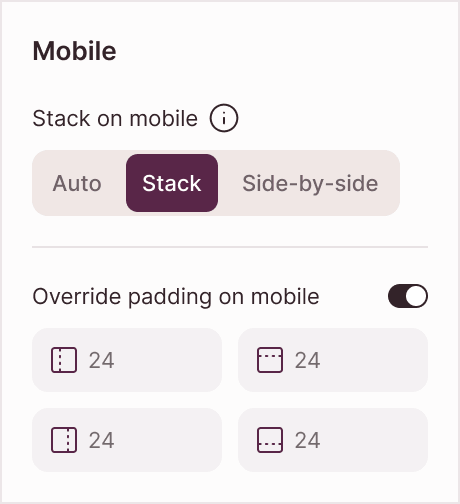
User interface panel showing mobile stacking options with Stack selected and padding override enabled at 24 on all sides.
Looks right on every screen
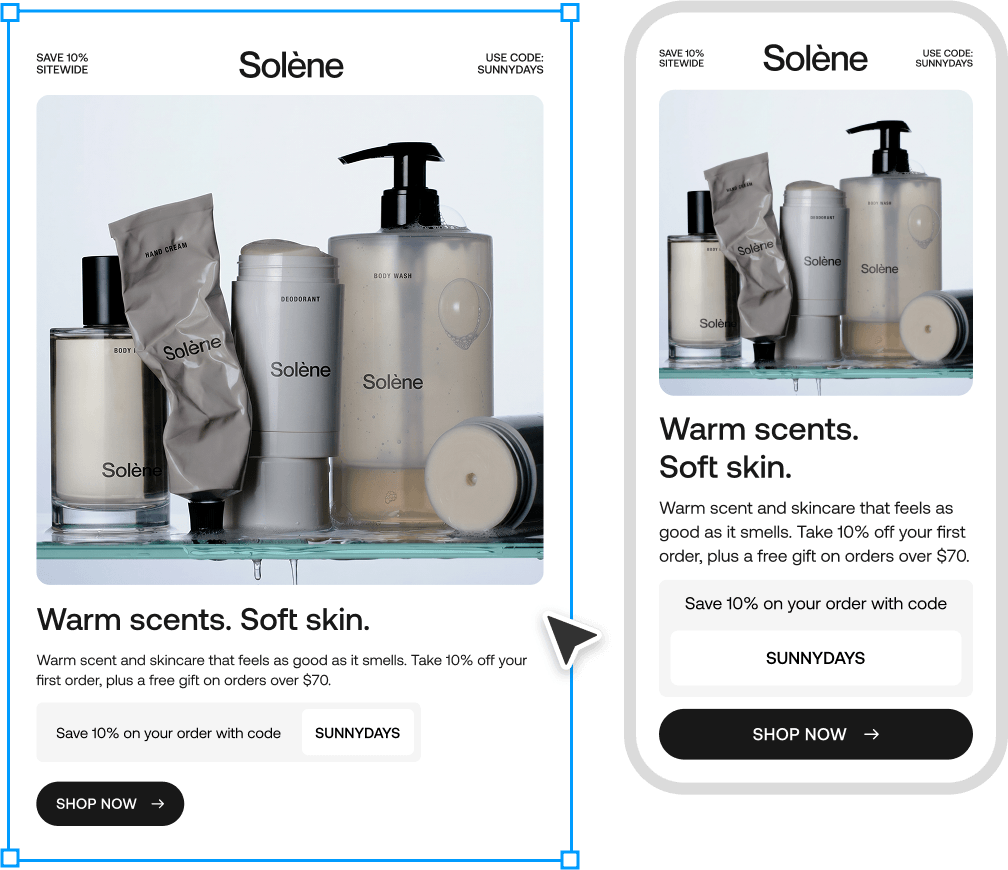
Sendra makes your design responsive and leaves you in control. Adjust stacking, spacing, and font size, then preview desktop and mobile before you ship.
Solène skincare products including body mist, hand cream, deodorant, body wash, and a container on glass shelf.
Always on brand
No rebuilding in an email builder, so your design never drifts. Sendra exports your real Figma layout, fonts, and colors exactly as you made them.
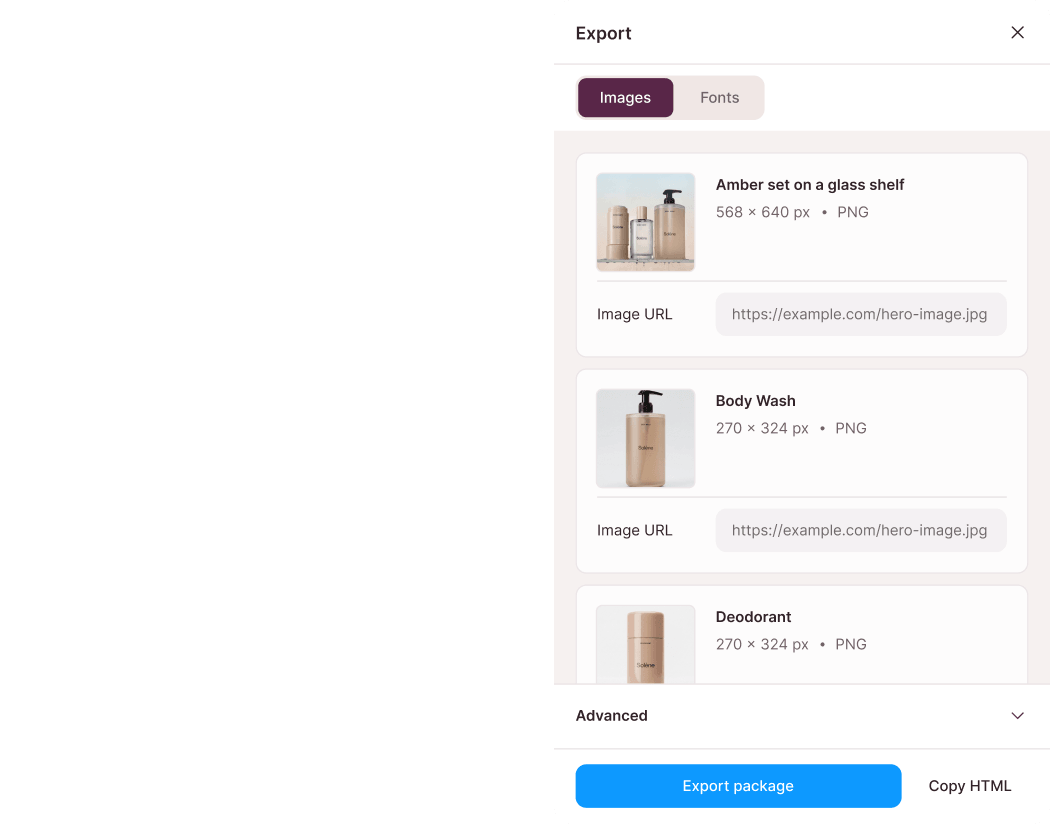
Split screen: left shows HTML code snippet, right shows export dialog with skincare product images.
Clean code, ready to send
Minified, production-ready HTML that works in any email platform. Copy it in one click, or export a package that bundles your images and sets up your brand fonts.
Dark mode, handled
Dark inboxes flip your colors and break your design. Sendra lets you override colors per element and preview both modes, so your email looks intentional in the dark, not inverted.
How it works
From Figma to inbox in minutes
Design your email, preview it, and export clean HTML. Minutes, not an afternoon of hand-coding.
Add to Figma
Add to Figma
Step 1
Design in Figma
Design your email the way you design everything else.

Step 2
Preview in Sendra
Open the plugin, pick your frame, and check it on desktop and mobile.
Step 3
Export the HTML
Copy it in one click, or export a package with your images and fonts.
Built for people who ship emails
However you send, Sendra fits the way you already work.
Designers
Ship email-ready HTML without becoming email developers.
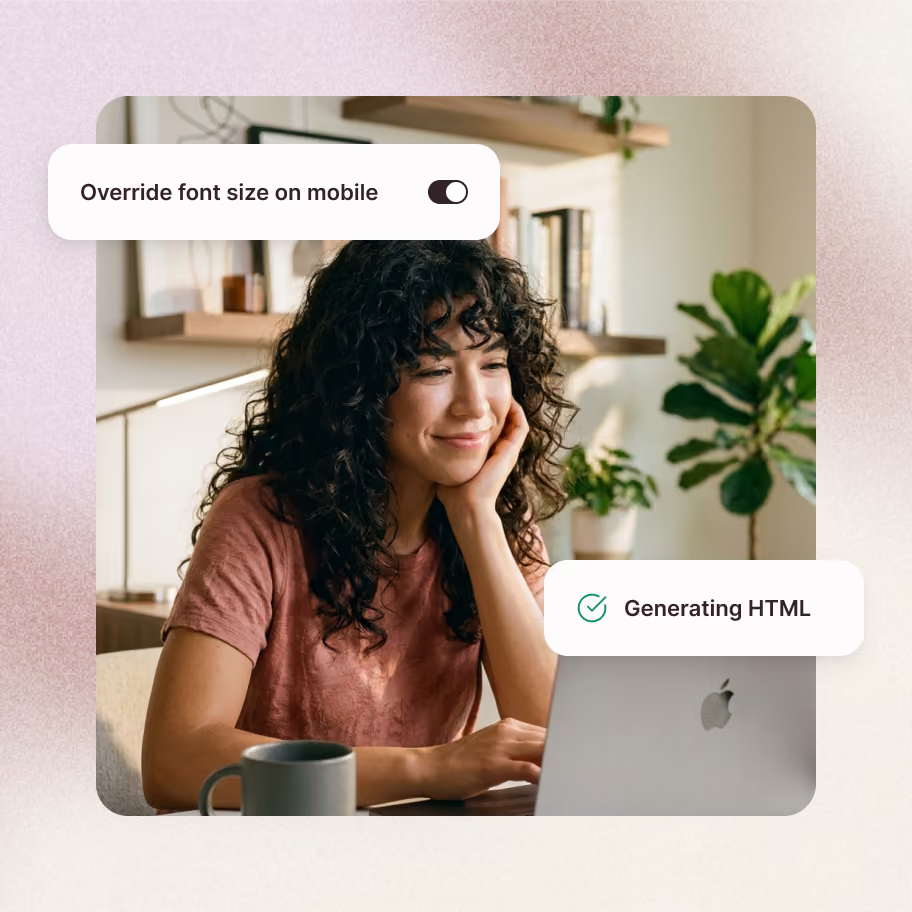
Woman with curly hair smiling while using a laptop with UI overlays about HTML generation and font size toggle.
Marketing teams
Get campaigns out the door faster, without waiting on a dev.
Founders
Send polished emails without hiring someone to code every one.
Agencies
Design and deliver branded email systems for every client.
Frequently asked questions
Do I need to know how to code?
No. You design in Figma, preview the result, and export the HTML. No code required.
Which email clients does it support?
Gmail, Outlook, Apple Mail, Yahoo, AOL, and every major inbox, on both desktop and mobile.
Can I edit the HTML after exporting?
Yes. It's clean, standard HTML, so any developer can tweak it.
Does it really work in Outlook?
Yes, including the older Outlook that breaks most emails. Handling those quirks is one of the first things Sendra was built to do.
Can I use the HTML in Mailchimp, Klaviyo, or HubSpot?
Yes. Sendra exports standard HTML you can drop into Mailchimp, Klaviyo, HubSpot, and any other major email platform.
Is there a free version?
Yes. You get Sendra free, up to 10 exports. Upgrade to Pro for unlimited whenever you're ready.
Still have questions?
Get in touch
Get in touch
Stop building your emails twice
Design it once in Figma. Ship clean, responsive HTML that looks great in every inbox.
Free to start. No credit card.
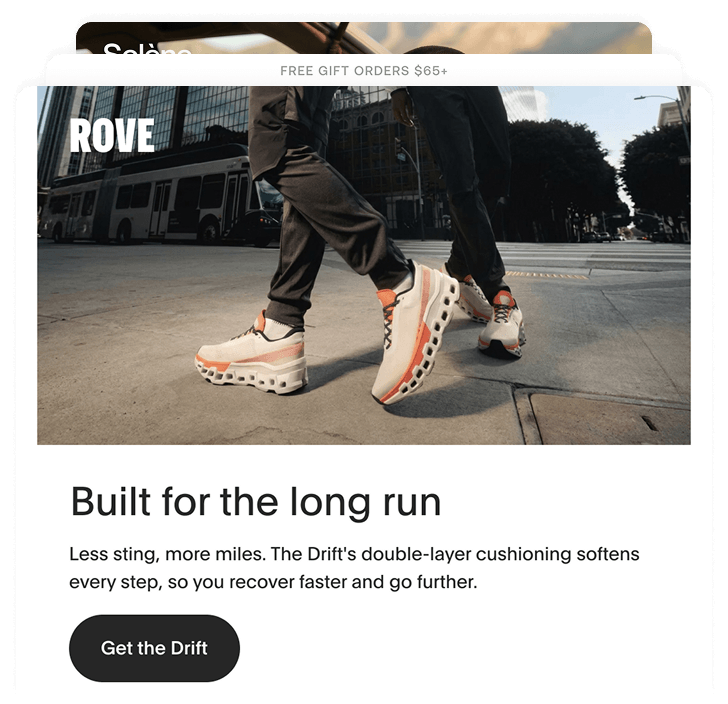
Two people walking on city street wearing ROVE Drift shoes with thick cushioned soles.